Shared Countdown Timer
for live events.
Your speaker sees a big countdown. You control it from your phone, tablet or laptop.
Set up a countdown timer for your event in seven steps.
From opening the page to a timer running on stage.
Open the timer app in one click
Click Create a Timer and the app opens straight away — no signup, no download.
Create your first timer
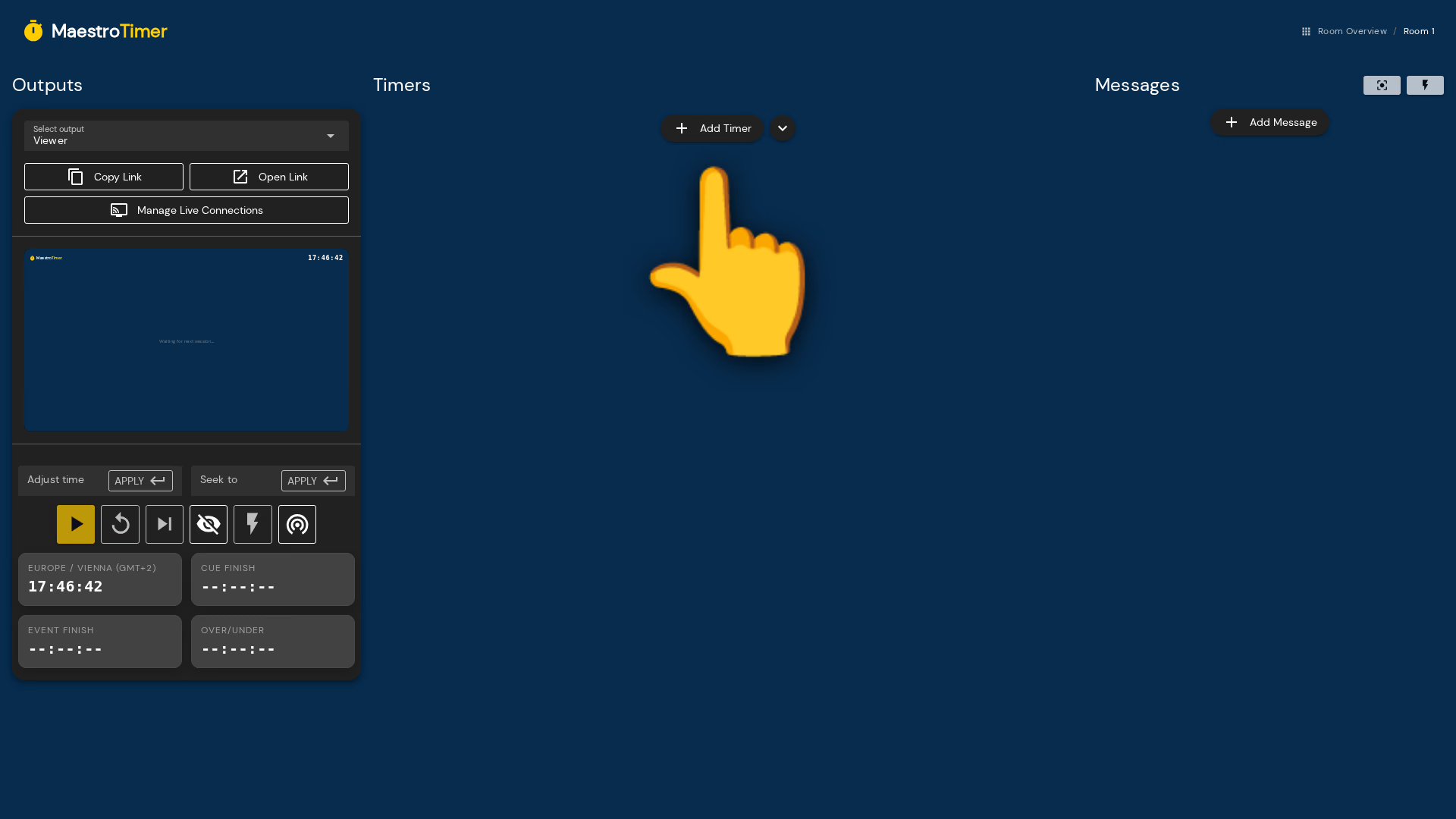
The timer app is where you run the show from. Click Add timer to create your first one.
Build your run of show
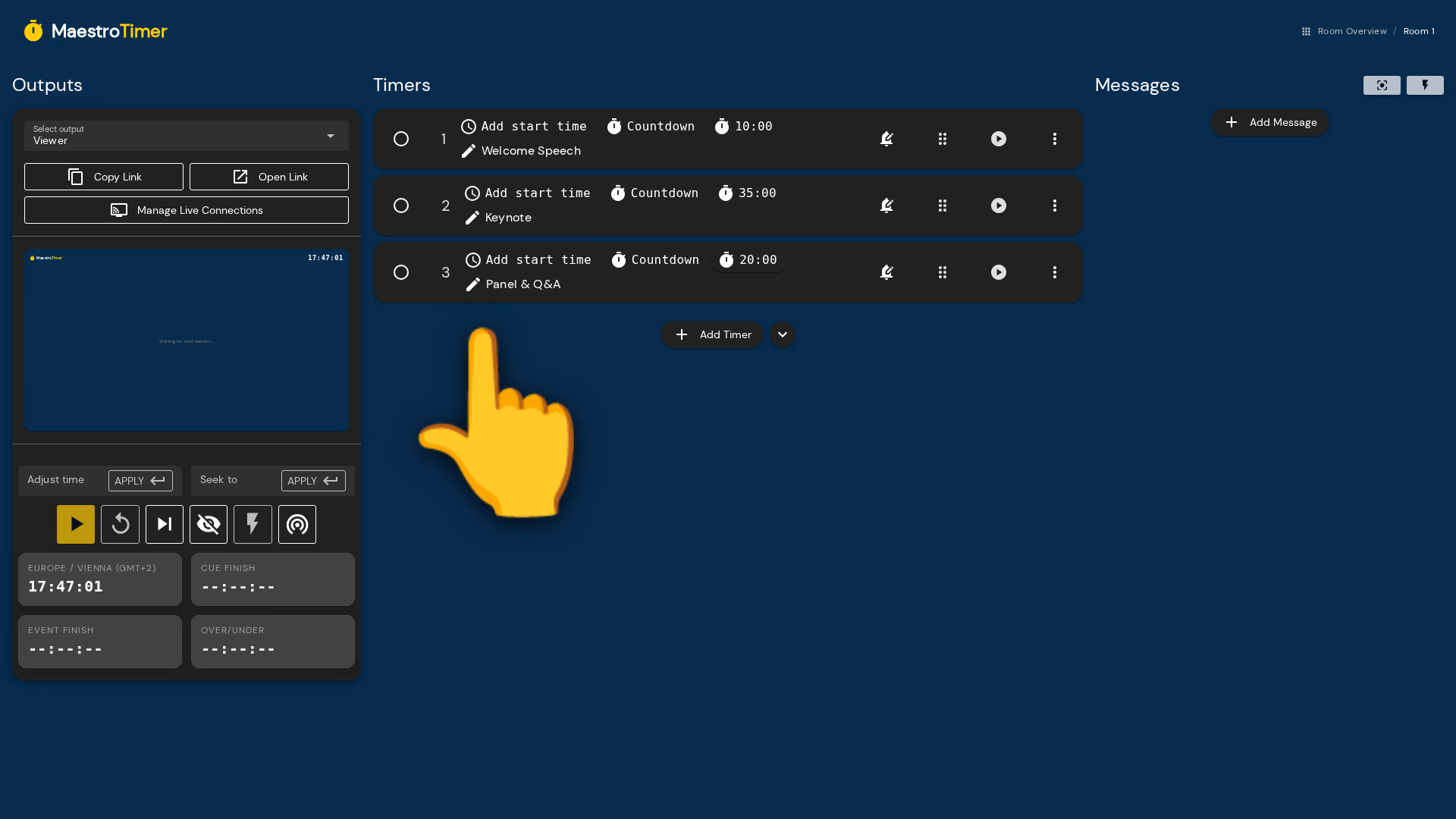
Give each timer a name and a duration, then pick its type: a countdown, a count-up, or a clock showing time of day. Add as many as your show needs and drag them into order — together they are your run of show. Or paste our prompt into your AI assistant and let it build the whole run of show for you.
Share the timer with your team
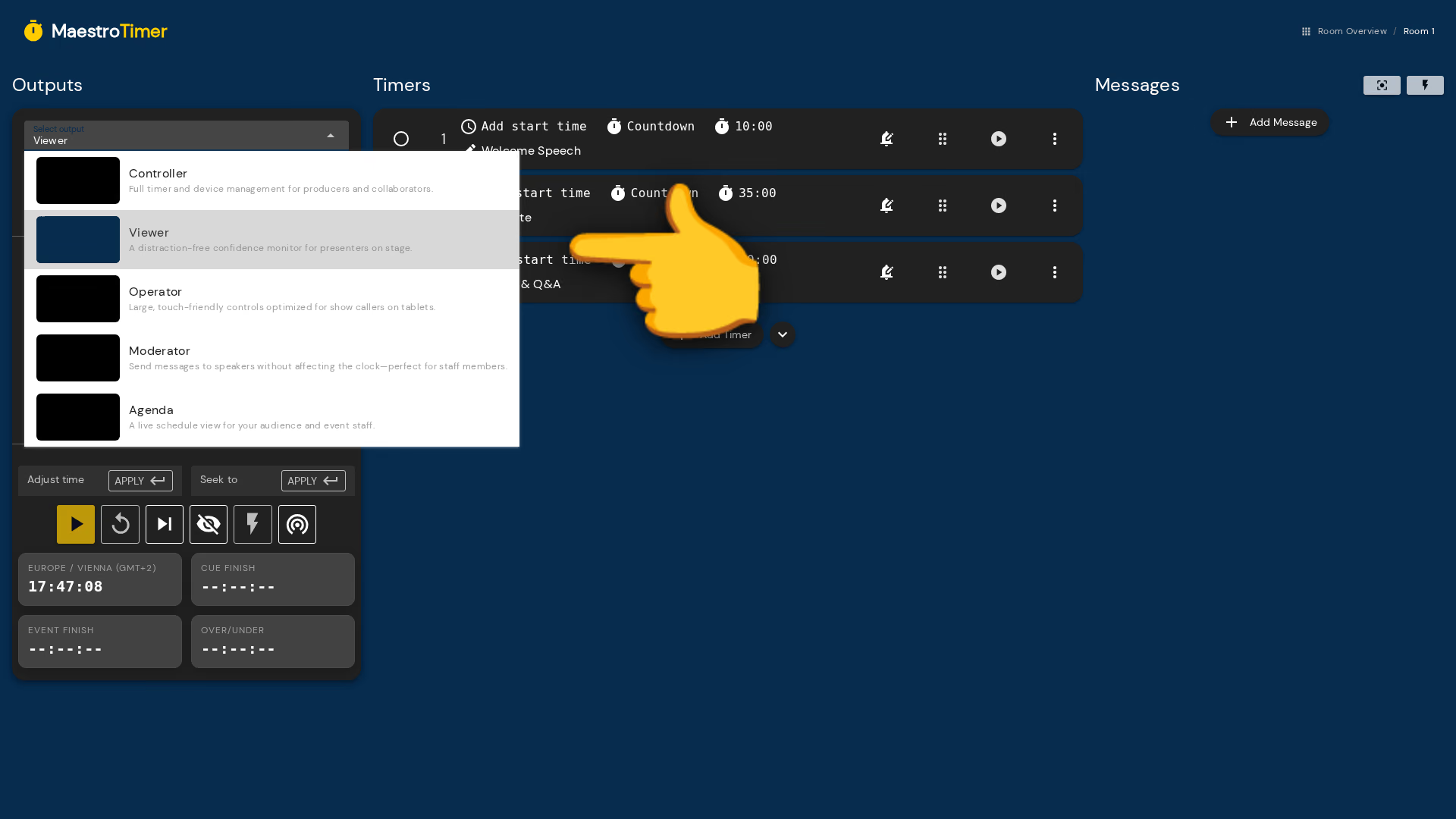
Copy the viewer link and send it to whoever is on stage, by message or mail.
See what the viewer link opens
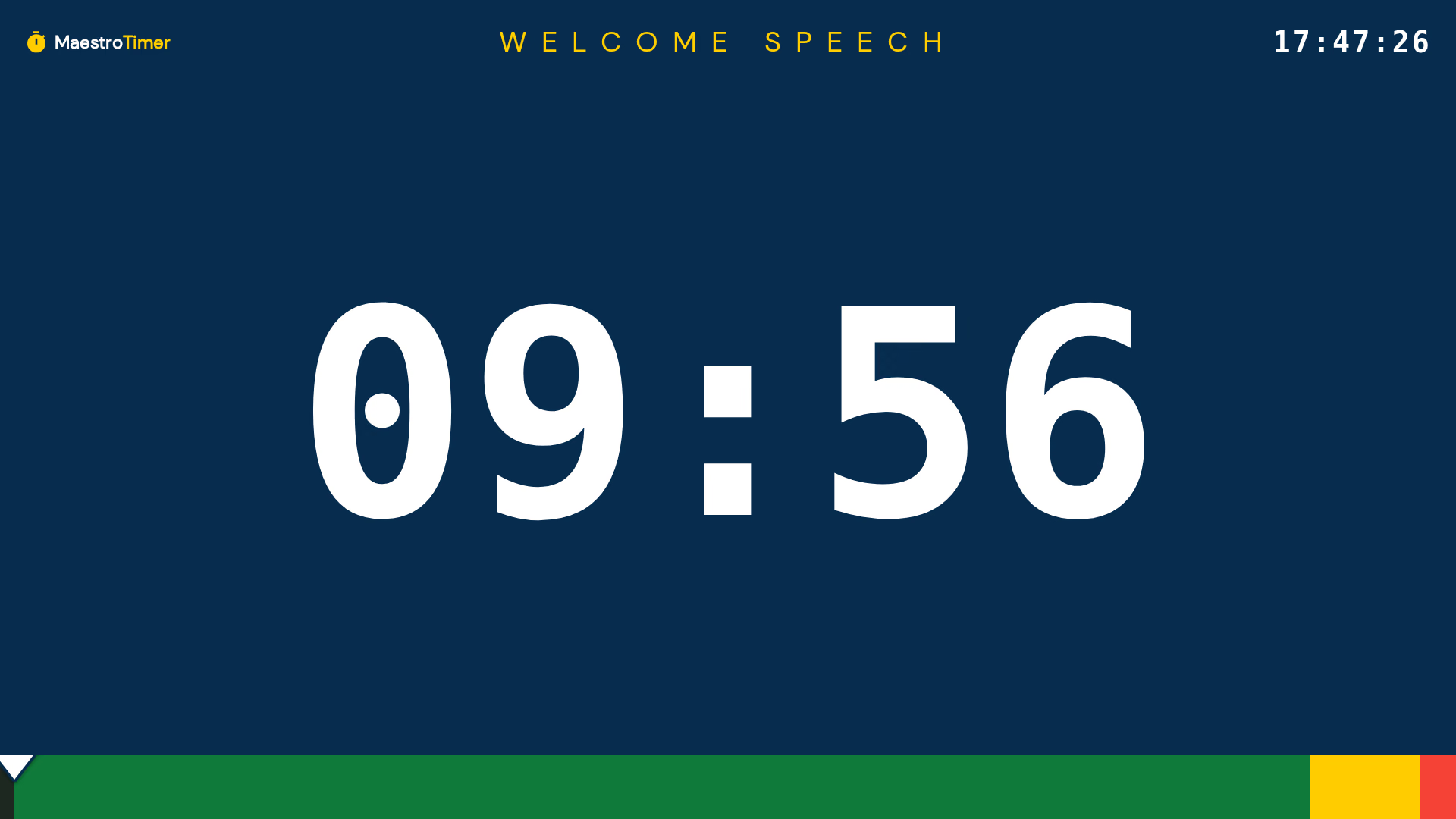
A viewer link opens a full-screen countdown and nothing else — no controls, no clutter. Once you start the show the clock appears here, big enough to read from the stage, and the bar along the bottom turns yellow and then red as time runs out.
Start the event timer
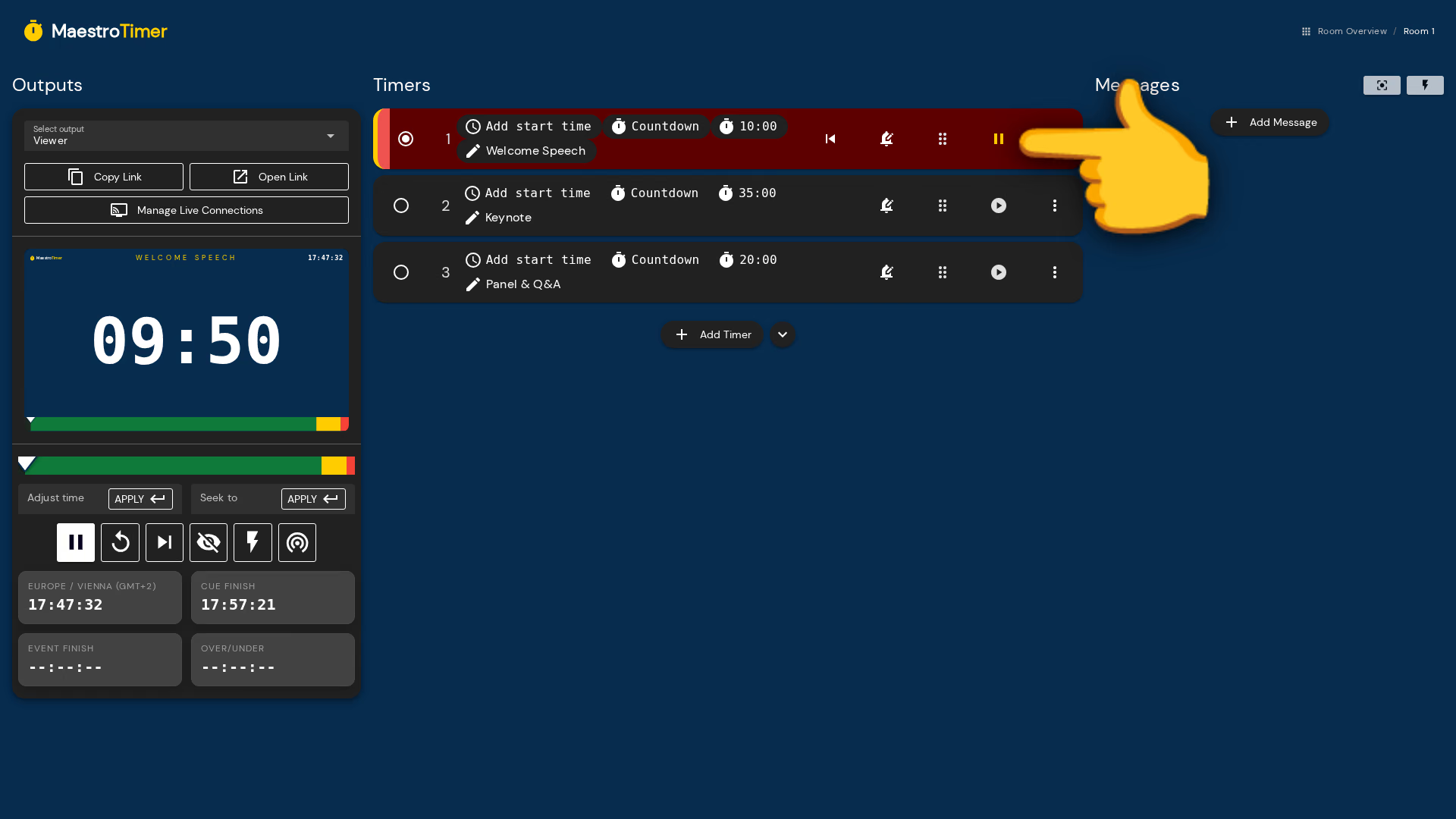
Press start. The clock runs on your controller and on every shared view at the same moment. Your presenter sees the same time you do — full screen, without the controls.
Send messages to the confidence monitor
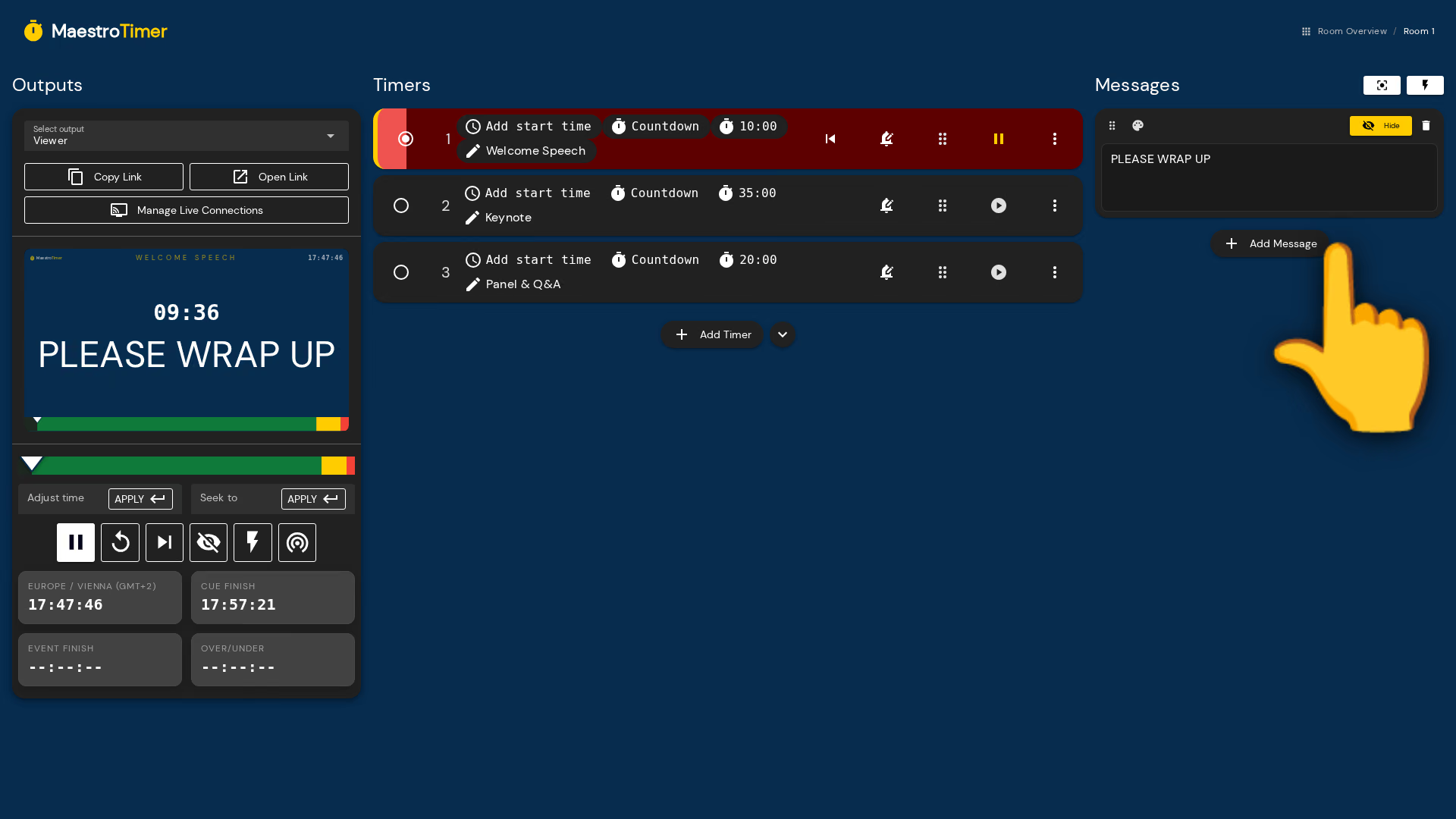
Type a message and put it on the stage display without touching the clock. Long messages shrink to fit, short ones fill the screen — and a flashing message catches the eye even when your presenter is mid-sentence.
Works where you work.
It runs in your browser, with nothing to install. Works perfectly on Windows, Mac, Linux, tablets, and phones.
Ready to time your next event?
The timer app opens in seconds. Build your run of show, share a link with your team, and keep everyone on time.